Downloading every attachment in a Jira Cloud project
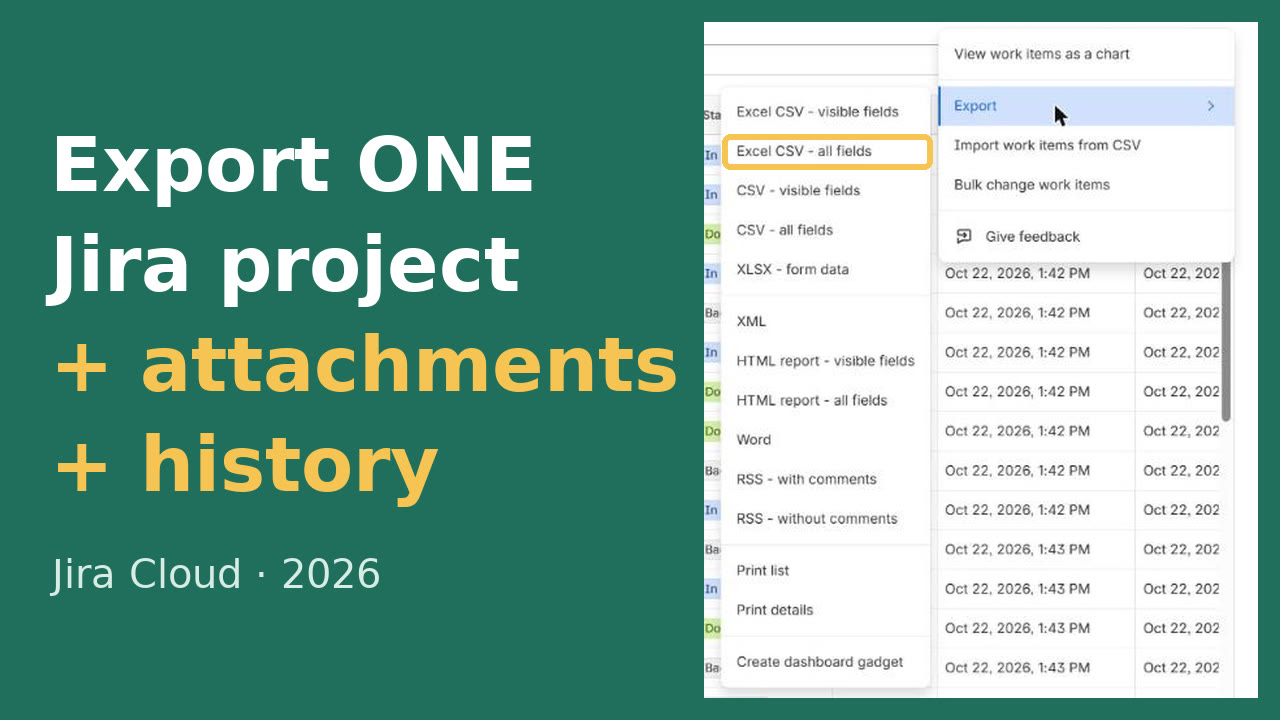
Jira's CSV export doesn't include the files, and Atlassian's own knowledge base says there's no option in the UI to export all of a project's attachments. The full site backup has them, but for the whole site and only every 48 hours. For one project, the REST API is the way: find the work items with attachments, then download each file. Below is a script that does it and checks every file.
Need a complete copy of one project now? We're building a way to export a single Jira project with its attachments and history to a file you can re-import. Until it's ready, we'll do the export for you: tell us about the project through early access.
What you need
- An API token for your Atlassian account (Atlassian account settings → Security → API tokens).
- Browse projects permission on the project, and access to any security levels its work items use. Files you can't see aren't returned.
- Python 3.8 or later. The script uses only the standard library: nothing to install.
The script
Save it as jira_project_attachments.py and run it with your site, project key and an output folder:
#!/usr/bin/env python3
"""Download every attachment in one Jira Cloud project, with a manifest.csv listing each file.

Published on opsfixes.com/single-project-export/guides/export-jira-project-attachments/ (J09). Python 3.8+, standard library only.
Usage: JIRA_EMAIL=you@example.com JIRA_TOKEN=... python3 jira_project_attachments.py https://yoursite.atlassian.net KEY [out_dir]
"""
import base64, csv, json, os, pathlib, re, sys, urllib.parse, urllib.request

site, key = sys.argv[1].rstrip("/"), sys.argv[2]
out = pathlib.Path(sys.argv[3] if len(sys.argv) > 3 else f"{key}-attachments")
auth = "Basic " + base64.b64encode(f"{os.environ['JIRA_EMAIL']}:{os.environ['JIRA_TOKEN']}".encode()).decode()


class SameHostAuth(urllib.request.HTTPRedirectHandler):
    """Follow redirects, but send the API token only to the Jira site (like curl -L), not to the file host."""
    def redirect_request(self, req, fp, code, msg, headers, newurl):
        new = super().redirect_request(req, fp, code, msg, headers, newurl)
        if new and urllib.parse.urlsplit(newurl).netloc != urllib.parse.urlsplit(site).netloc:
            new.remove_header("Authorization")
        return new


http = urllib.request.build_opener(SameHostAuth)


def call(url, body=None):
    req = urllib.request.Request(url, data=json.dumps(body).encode() if body else None,
                                 headers={"Authorization": auth, "Accept": "application/json", "Content-Type": "application/json"})
    return http.open(req, timeout=120)


rows, token, seen = [], None, set()
while True:  # enhanced JQL search pages with nextPageToken (the old /search endpoint and startAt are gone)
    body = {"jql": f'project = "{key}" AND attachments IS NOT EMPTY ORDER BY key', "fields": ["attachment"], "maxResults": 100}
    if token:
        body["nextPageToken"] = token
    page = json.load(call(f"{site}/rest/api/3/search/jql", body))
    for issue in page.get("issues", []):
        for a in issue["fields"].get("attachment") or []:
            if a["id"] in seen:
                continue
            seen.add(a["id"])
            name = re.sub(r'[\\/:*?"<>|\x00-\x1f]', "_", a["filename"])
            path = out / issue["key"] / f"{a['id']}_{name}"  # the id keeps two files with the same name apart
            path.parent.mkdir(parents=True, exist_ok=True)
            with call(a["content"]) as r, open(path, "wb") as f:
                while chunk := r.read(1 << 20):
                    f.write(chunk)
            got = path.stat().st_size
            rows.append([issue["key"], a["id"], a["filename"], a.get("size"), got, a.get("created"),
                         (a.get("author") or {}).get("displayName"), str(path.relative_to(out))])
            print(f"{issue['key']}  {a['filename']}  {got} bytes" + ("" if got == a.get("size") else "  SIZE MISMATCH"))
    token = page.get("nextPageToken")
    if not token or page.get("isLast") or not page.get("issues"):
        break

out.mkdir(parents=True, exist_ok=True)
with open(out / "manifest.csv", "w", newline="") as f:
    csv.writer(f).writerows([["issue", "attachment_id", "filename", "size_in_jira", "size_saved", "created", "author", "path"]] + rows)
bad = sum(1 for r in rows if r[3] != r[4])
print(f"{len(rows)} files from {len({r[0] for r in rows})} work items -> {out}/ ({bad} size mismatches)")
Run: JIRA_EMAIL=you@example.com JIRA_TOKEN=your-token python3 jira_project_attachments.py https://yoursite.atlassian.net KEY
It saves files as KEY-attachments/<work item>/<attachment id>_<filename>, so two files with the same name don't overwrite each other, and writes manifest.csv with each file's work item, author, date and size. It compares each saved file's size with the size Jira reports and flags any mismatch. It sends your API token only to your Jira site, not to the file host that downloads are redirected to.
We tested it against a local mock of the documented API (paging, duplicate names, redirects) and, on 22 October 2026, on a demo Jira Cloud site: 43 files from 17 work items, 0 size mismatches. It hasn't run on your site yet: try it on a small project first and check the manifest. The video shows the run.
How it works
- Search with
POST /rest/api/3/search/jqlforproject = KEY AND attachments IS NOT EMPTY, asking only for theattachmentfield, 100 work items per page. The search pages withnextPageToken; the old/rest/api/3/searchendpoint and itsstartAtpaging have been removed from Jira Cloud. - Each attachment carries a
contentURL. Downloading it redirects to Atlassian's file storage, which serves the file. - Big projects take a while: there's one request per file. Atlassian suggests batch scripts, tested on a non-production site first, for very large migrations (around 20,000 work items or more).
Without Python: Atlassian's curl method
Atlassian's knowledge base article does the same with curl and jq: one search call returns the work item keys and attachment URLs, then curl -L --create-dirs downloads each file into a folder per work item. It's fine for a few hundred files; for more, you'll want the paging and checks above. Note that in REST API v3, attachments aren't tied to the comment they were posted in; Atlassian points to API v2 if you need that.
Attachments are only part of the project
The files without their work items, comments and history aren't much of an archive. To export the rest, see how to export a Jira project; to move it to another Cloud site with everything attached, see copying a Jira project.
Need a complete copy of one project now? We're building a way to export a single Jira project with its attachments and history to a file you can re-import. Until it's ready, we'll do the export for you: tell us about the project through early access.
What were you exporting Jira attachments for the last time (a client hand-over, an audit, a migration), and how did you do it?
We're researching this problem and read every answer. Tell us what happened (4 short questions, no sign-up; AI tools help us read the answers).